PID strategies are being written around the world right now, and the decisions being made will shape the scholarly record for decades. After 25 years running open scholarly infrastructure—now on behalf of 25,000 members in 167 countries—Crossref has an informed perspective on what those decisions should ideally rest on. Today we’re setting it out in our’s first position paper: Persistent identifiers in research infrastructure policy: the need for a holistic approach. You can read it online or download the PDF; it’s a 16-minute read.
Research is rarely limited to a single contributor performing a single role. Behind every research output are people contributing in various ways: software development, data analyses, methodology design, and much more. Often, the same person contributes in several of these ways. Until now, Crossref metadata could only capture part of that picture, but this is changing with Schema 5.5.
Through user experience research (UXR) initiatives that take into account our diverse membership and community, we can have a continuous, deeper understanding of the role of metadata in our members’ workflows, and ensure that our work continues to meet our community’s needs. Your support is the key to this process, and will positively impact the wider community - and if you’d like to start today, you can take part in our latest initiative: help us improve our Events page by sharing your thoughts on the page’s feedback form.
Our 2026 Community Update took place on 13 May. Two calls, one for the eastern and one for the western time zone, highlighted how our global community is growing, how we’re refining the metadata that supports trust in the scholarly record, and connecting records more effectively through our latest tools.
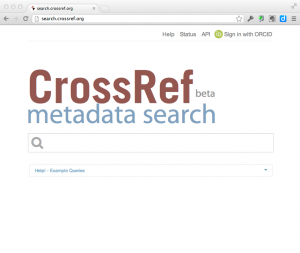
You can now easily search for publications and add them to your ORCID profile in the new beta of Crossref Metadata Search (CRMDS). The user interface is pretty self-explanatory, but if you want to read about it before trying it, here is a summary of how it works.
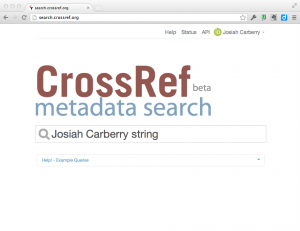
When you go to to CRMDS, you will see that there is now a small ORCID sign-in button on the top right-hand side of the screen.
click on thumbnail to see larger image
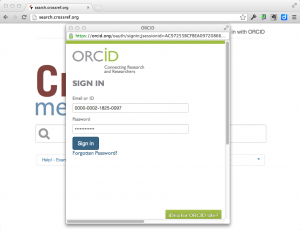
Clicking on this button allows you to connect CRMDS to your ORCID profile and authorises CRMDS to add publications to your profile. First, if you are not already logged into ORCID, CRMDS will ask ORCID to log you in:
click on thumbnail to see larger image
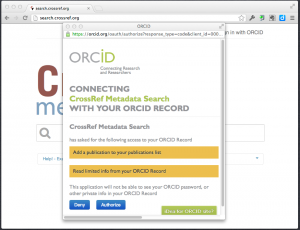
Once you have logged in, ORCID will ask you if you want to allow CRMDS to be able to view and update your ORCID profile:
click on thumbnail to see larger image
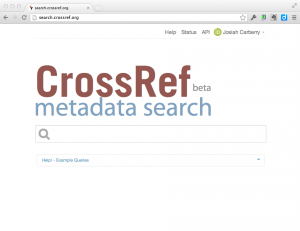
After you authorise CRMDS to access your profile, you will be returned to the CRMDS screen and the top right corner of the CRMDS page will indicate that you have connected to your ORCID profile (note, you can always de-authorise CRMDS from accessing your ORCID profile in your ORCID settings):
click on thumbnail to see larger image
Once you are logged in, you can enter search terms that are likely to return records of your publications:
click on thumbnail to see larger image
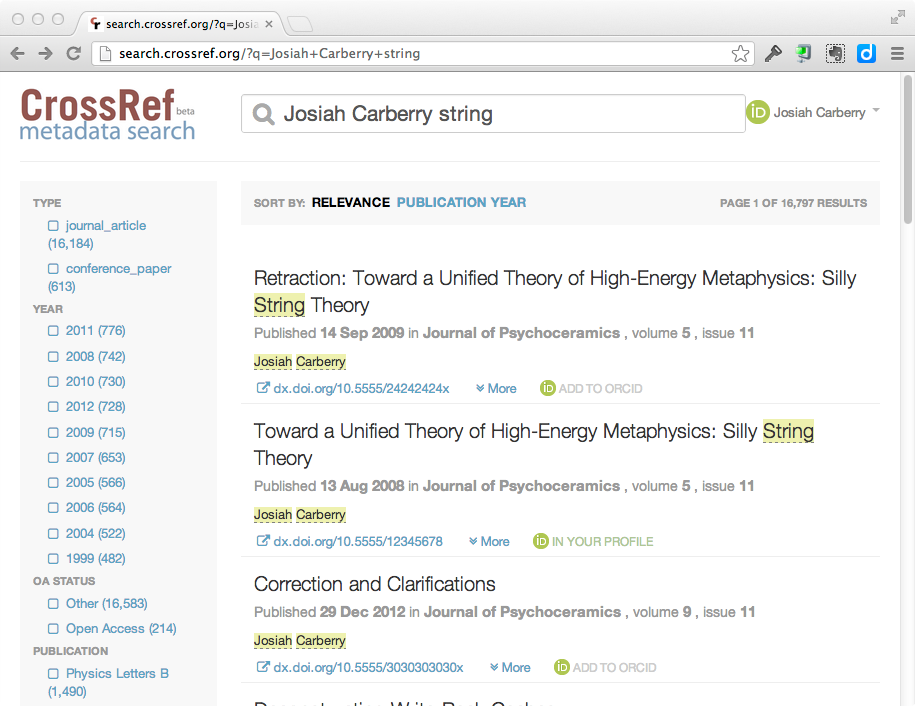
Each search result will show an icon telling you whether that particular item is visible in your ORCID profile. If the item is not in your ORCID profile, you see an icon like this:
And if the item is already in your ORCID profile, you will see an icon like this:
In the following search results you can see that 1 item is already in Josiah Carberry’s profile, and 2 items are not:
click on thumbnail to see larger image
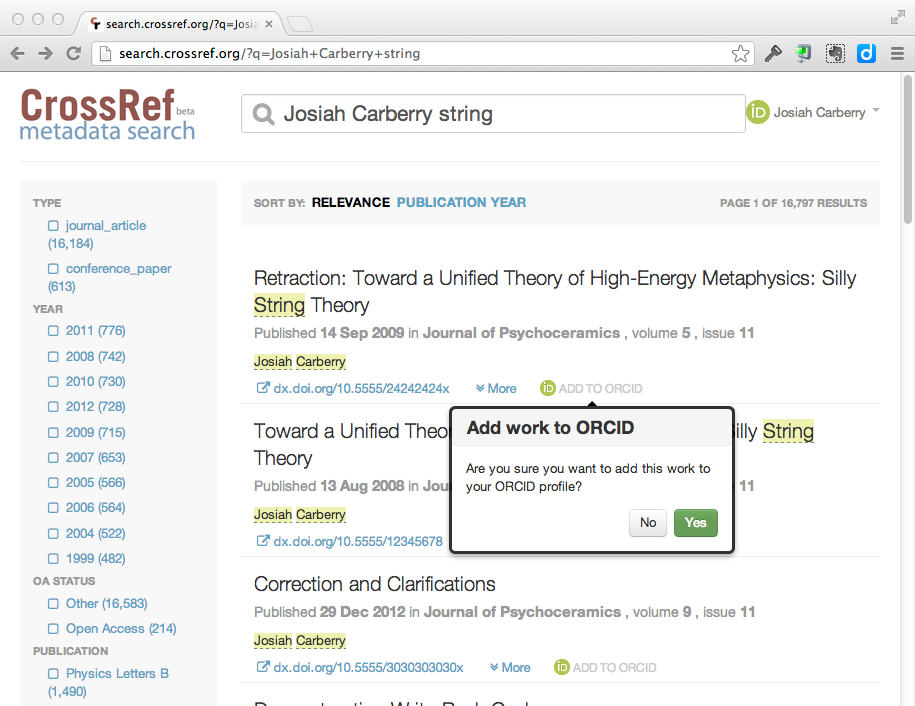
Clicking on the “Add to Profile” button will confirm that you want to add the specified publication to your ORCID profile:
click on thumbnail to see larger image
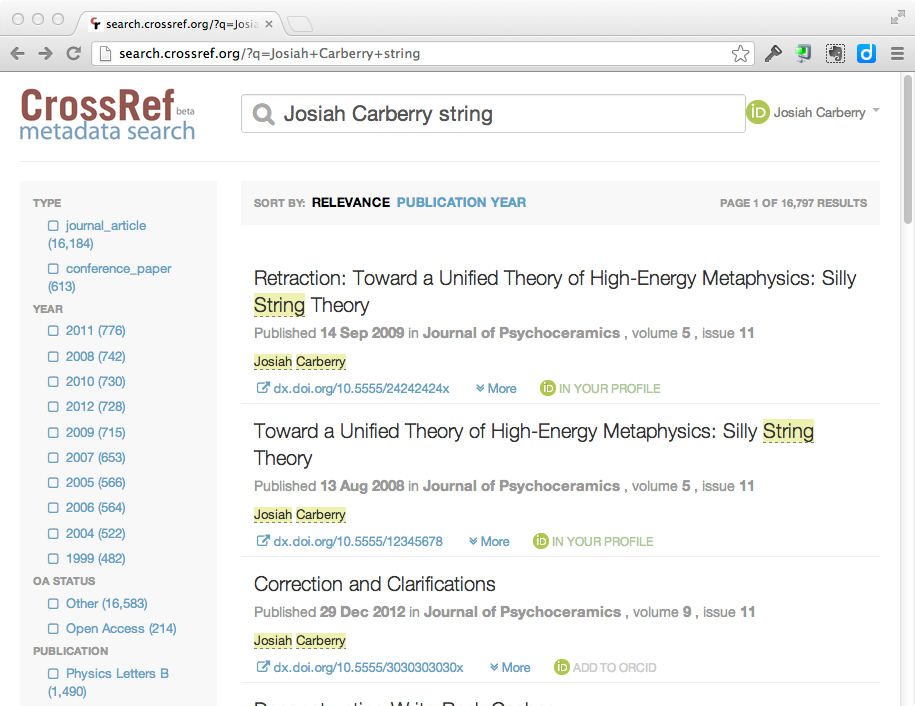
After clicking on “Yes” to add the publication to your profile, the search results will refresh to reflect that the item has been added.
click on thumbnail to see larger image
You can then just continue searching for and adding any publications that are not in your ORCID profile.
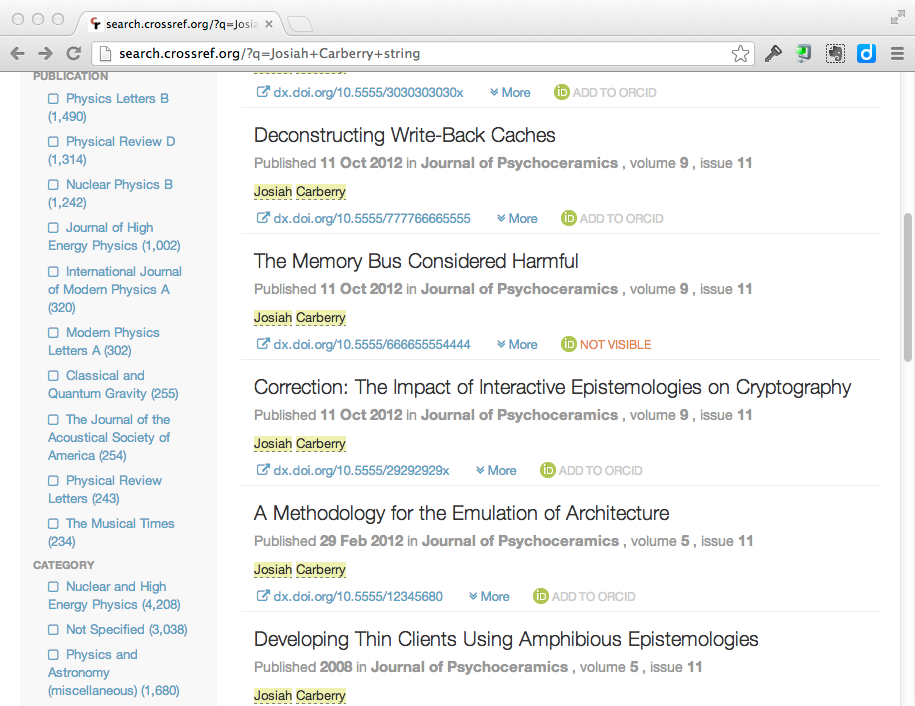
Note that, occasionally, you may see an orange icon that says that an item is “Not Visible”
click on thumbnail to see larger image
This only occurs when you have previously added an item to your profile using CRMDS and then either:
Set the ORCID privacy for that particular work item to “Private” in your ORCID profile.
Deleted the work from your ORCID profile.
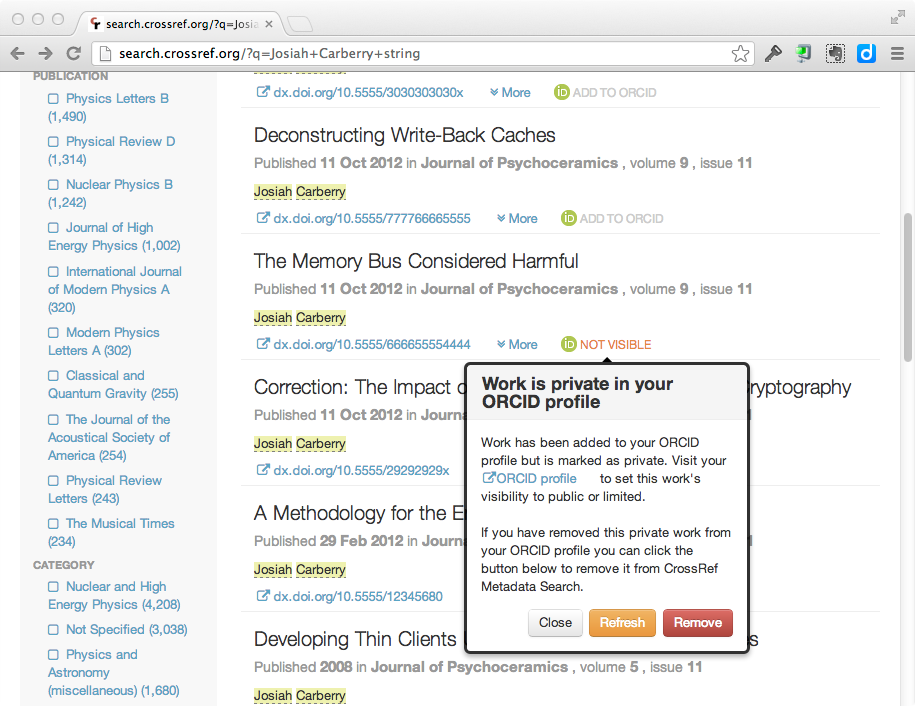
Unfortunately, CRMDS has no way to determine which of these two events occurred However, If you click on the “Not Visible” icon, you will be prompted with two ways to resolve this issue. Either you can:
Reset the privacy settings on the specified work to “Public” or “Limited”
Confirm to CRMDS that you have deleted the item from your profile.
click on thumbnail to see larger image
If the issue was your privacy settings, then once you have changed the privacy settings to public/limited you can simply click on the “Refresh” button and CRMDS will reflect the correct status of the work.
The best way to avoid this kind of confusion is to go to your ORCID settings and set the default privacy level for “works” to either “limited” or “public.”
Crossref Metadata Search is still a “Crossref Labs” project and, as such, we are very interested to hear feedback on this new ORCID functionality for CRMDS. Please send comments, etc. to: